Limbach Patient App

How do my patients access their laboratory results?

Information for the physician

Would you like to share selected laboratory results with your patients? No problem – we have the solution for you!

  • Easy registration
  • Convenient push notifications
  • Fast transmission
  • Security through high data protection standards
  • Full flexibility for the referring physician in managing the process

You can individually choose which laboratory report you would like to share with your patient.

To do this, simply provide the patient with the flyer containing all information and QR codes, along with the corresponding laboratory order number.
This is the 10-digit number, usually the so-called document barcode.

You can order the patient flyer "Limbach Patient App" (article number PI-102) from us.

As soon as the laboratory report is ready, it will be transmitted to the patient in the app.

1. APP DOWNLOAD

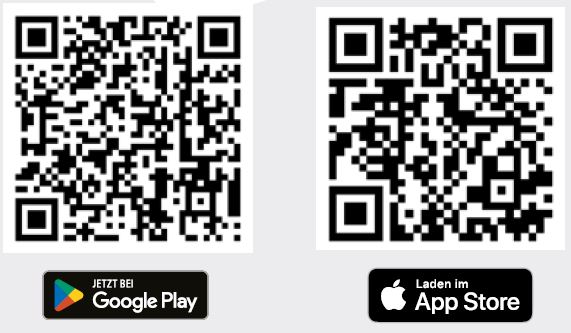
Scan the appropriate QR code to download the Limbach Patient App.
 

2. LAB SELECTION

When opening the app for the first time, scan this QR code. This will link your app to our laboratory.

3. REGISTRATION

To register, you must enter the order number (9-digit barcode) of your test, your ZIP code, and your date of birth, and also create a password.

4. PUSH NOTIFICATION

You will be notified by the app via push notification as soon as your test result is available.

5. LABORATORY REPORT

As soon as the report is completed by the laboratory, you can access your test result in the app. The result will remain visible for 30 days.
You can then print your laboratory report or forward it by email.


Ansprechpartner

IT-Support??

+49 ?

??@labor-limbach.de